How do I export my health diary from Sayved?
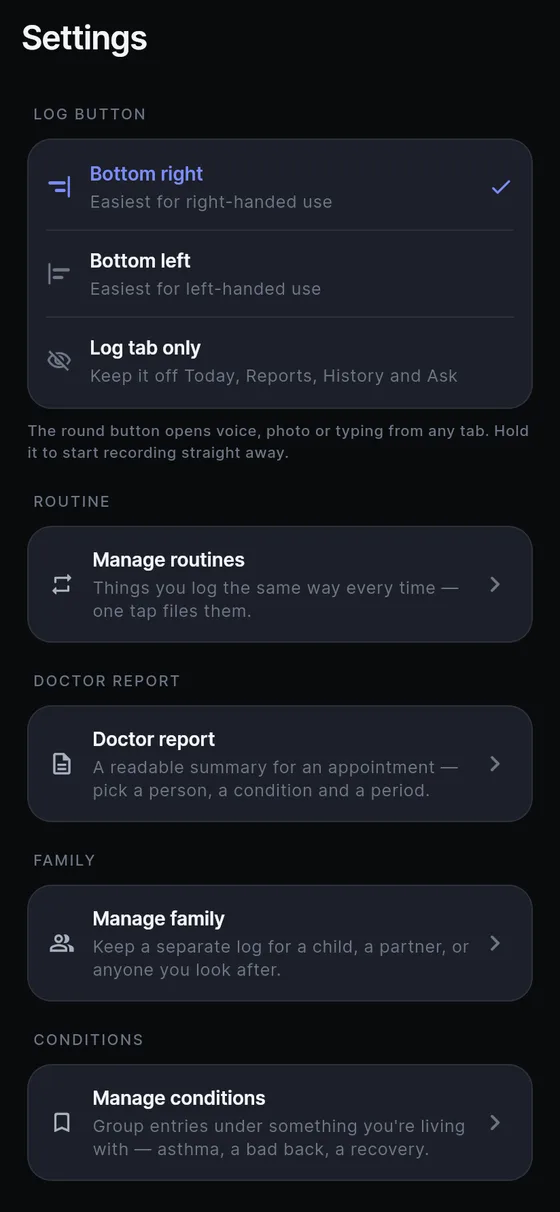
Open Settings, scroll to Export and tap Export my data. The description reads: a CSV of everything you have logged, ready for any spreadsheet. A short sheet then asks what to include, and after you choose, Android’s share sheet opens with a file named sayved plus the date. Send it by message or email, save it to a place you pick, or open it straight in a spreadsheet app.
Your record is yours, so leaving with it does not need anyone’s permission or a paid plan. After the 14-day trial, if you do not subscribe, everything you logged stays readable, searchable and exportable.
What is in the CSV file?
The file has one row per entry, and the columns are fixed so a spreadsheet or script you build keeps working. New columns are only ever added at the end. They are, in order:
- Time and type: timestamp, category, summary and, when you spoke it, the transcript. A corrected column says yes if you edited any value.
- Energy and food: kcal_in with low and high, kcal_out with low and high, then protein_g, carbs_g and fat_g.
- Exercise and substances: activity, duration_min, substance, dose, dose_unit, caffeine_mg and alcohol_units.
- Body and rest: weight_kg and sleep_hours.
- Ratings: mood_0_10, energy_0_10 and a ratings_0_10 field holding everything else you rated, such as “neck pain 4”.
- Extras: notes, photo_count, logged_at and origin.
Two details are worth knowing. The rating columns are always 0 to 10, even for entries written before the scale was unified, with the old 1 to 5 values converted for display, and the header says so. And the origin column says manual or auto, so an entry you spoke and one the app wrote on a schedule can be told apart in a spreadsheet.
Why does every estimate have a value, a low and a high?
Estimates exist throughout Sayved, and the CSV outlives every screen that would have shown their range. If calories were one column, a guess from a photo would look like a weighed figure the moment it landed in a spreadsheet. So each estimate exports as value, low and high, plus a confidence between 0 and 1.
That means you can chart the value and shade the range, or filter to higher confidence only. Where you corrected an estimate yourself, the corrected value is used and the corrected column says yes. Read how estimates behave in calorie estimation from a photo, or see the report that sums them in health charts and reports.
Who decides whether private entries are included?
You do, and on every export. The sheet offers two options and neither is highlighted as the recommended one:
- Everything: every entry, including health, medication, mood, intimacy, substances and social.
- Skip the private ones: leaves out those same six categories.
The choice is not remembered, on purpose. A person exporting for themselves wants everything, while a person sending a file to a nutritionist or a friend wants the subset, and the app cannot tell which one this is. Remembering last time’s answer is how the wrong file gets sent. The categories are named on both options so you can decide without opening a manual.
Be aware that “skip” works by category. If you typed a symptom into a note on a food entry, that sentence travels with the food row, so read the notes column before you send a file to anyone.
Can I use the CSV as a backup or to move to a new phone?
Be careful here, because the honest answer is narrower than the question. The CSV is a full copy of your entries in a format any program can read, which makes it a good safety copy and a good source for your own analysis. What Sayved does not do today is read that file back in. There is no import button, so the CSV does not restore your log into the app on a new device.
Your log lives on your phone, and Sayved has no account and no copy on a server, so a lost or reset phone with no export is a lost log. Exporting from time to time and storing the file somewhere safe is the protection available now. The backup and new phone page keeps the current guidance, and delete your data explains removing everything from the device.
When should I use the doctor report instead?
The CSV is for spreadsheets: dense, complete, one row per entry. A clinician rarely wants that. The doctor visit report is a document instead: pick the person, the categories and the date range, and it produces something readable day by day that you can open in a browser or print. It marks lines written automatically as not self-reported and keeps estimate ranges. Use the report for appointments and the CSV for your own records.
Whichever you use, the file goes only where you send it from the share sheet. Sayved does not upload it anywhere itself. The full picture of what is processed and where is on the privacy page.
 Sayved